
Last Updated: October 28, 2026
Quick Summary
To automate after-hours calls, define your business hours and after-hours rules, sort calls into emergency, urgent, and routine buckets, and build an AI call flow that greets callers, asks four or five intake questions, and then books, escalates, or takes a message. LeadGuard offers AI call answering with automated qualification and scheduling, with summaries sent by SMS or email.
- Write down open and close times, including holidays and seasonal changes, in one shared document.
- Sort after-hours calls into emergency, urgent but not emergency, and routine buckets, each with its own path.
- Keep the intake script to four or five questions covering name, callback number, address, problem, and urgency.
- Do not send routine calls to the on-call technician, because that is how on-call burnout starts.
- Test the escalation chain and manual backup number on a recurring calendar reminder, since untested fallbacks fail.
Table of Contents
- Choosing an Approach: Answering Service, Automated Routing, or AI Phone Answering
- Step-by-Step: Setting Up Automated Call Routing for Off-Hours
- Step 1: Define business hours and after-hours rules precisely
- Step 2: Classify call types before you build anything
- Step 3: Build the call flow
- Step 4: Configure routing and escalation
- Step 5: Connect the phone line and calendar
- Step 6: Test with real scenarios, not just one call
- Step 7: Launch with a monitoring window
- Writing an After-Hours Answering Script That Captures the Right Details
- Automating Appointment Scheduling by Phone Without Double-Bookings
- Integrations, Fallback Plans, and Compliance Considerations
- Testing Your Setup and Measuring Whether It Pays Off
- Booking Your LeadGuard Demo to Start Automating Your After-Hours Calls
- Frequently Asked Questions
After-hours call handling is how your business answers the phone when your office is closed, often when a burst pipe or dead furnace happens. A call that goes to voicemail at 7 p.m. is a lead that usually calls someone else by morning.
Most owners know missed calls cost them work, but fewer have put a number on it.
Service calls can be urgent and time-sensitive.
Here is what goes wrong without a plan:
- Calls roll to voicemail and never get returned
- Staff return calls the next morning, when the caller has already booked someone else
- Callers hang up after hearing a generic message
- Leads go unrecorded, so you cannot follow up
Treat after-hours calls as a sales channel, not an overflow problem. Measure how many arrive outside business hours each week.
Choosing an Approach: Answering Service, Automated Routing, or AI Phone Answering
Three options to consider are a live answering service, automated routing, and AI phone answering. Before choosing, read how an answering service differs from a call center to see which fits your call volume and staffing.
| Option | Best For | Main Trade-off |
|---|---|---|
| Answering service | Owners who want a human voice | Cost scales with call volume |
| Automated routing | Shops with on-call technicians | Depends on staff availability |
| AI phone answering | High volume, fast booking | Needs setup and clear call scripts |
Ask how urgent calls reach a human and how fast.
LeadGuard’s approach is AI call answering with automated qualification and scheduling, with summaries sent by SMS or email. LeadGuard offers AI call answering with automated qualification and scheduling, with summaries sent by SMS or email.
Step-by-Step: Setting Up Automated Call Routing for Off-Hours
The sequence below runs from defining hours to launching and monitoring a workflow.
Step 1: Define business hours and after-hours rules precisely
Write down open and close times for each day, including holidays and seasonal changes. Then define what “after hours” means for routing: any call outside those times, or only calls after a grace period (for example, 15 minutes after close)? Decide whether weekends and holidays route differently from weeknights. Put this in one document your team can see, so the phone system and staff agree on the same rules.
Step 2: Classify call types before you build anything
List the calls you get after hours and sort them into three buckets:
- Emergency: no heat, no water, gas smell, active leak, lockout, safety issue. These need a human fast.
- Urgent but not emergency: a broken fixture, a scheduling change for tomorrow, a billing question with a deadline.
- Routine: quotes, general questions, vendor calls, solicitations.
Each bucket can get a different path: emergencies can escalate to an on-call person, urgent calls can get a callback promise, and routine calls can get a message and a next-business-day response.
Step 3: Build the call flow
- Greeting and disclosure. State that the office is closed, that the call may be recorded if it is, and what the caller can do (leave details, get a callback, or reach on-call staff for emergencies).
- Intake questions. Name, callback number, service address, problem description, and urgency. Keep it to four or five questions.
- Routing decision. Based on the answers, the system either books an appointment, sends an alert to on-call staff, or takes a message.
- Confirmation. Tell the caller what happens next and when.
Step 4: Configure routing and escalation
For non-emergency calls, route to voicemail or a callback queue with a promised response time. Learn how round robin call routing spreads incoming calls across staff or devices if you have more than one person on rotation. Do not send routine calls to the on-call technician; that is how on-call burnout starts.
Step 5: Connect the phone line and calendar
LeadGuard automatically schedules appointments based on availability and integrates with Make.com for automation.
Step 6: Test with real scenarios, not just one call
Make test calls for different types of inquiries. Check the greeting, questions, and summary that lands by SMS or email.
Step 7: Launch with a monitoring window
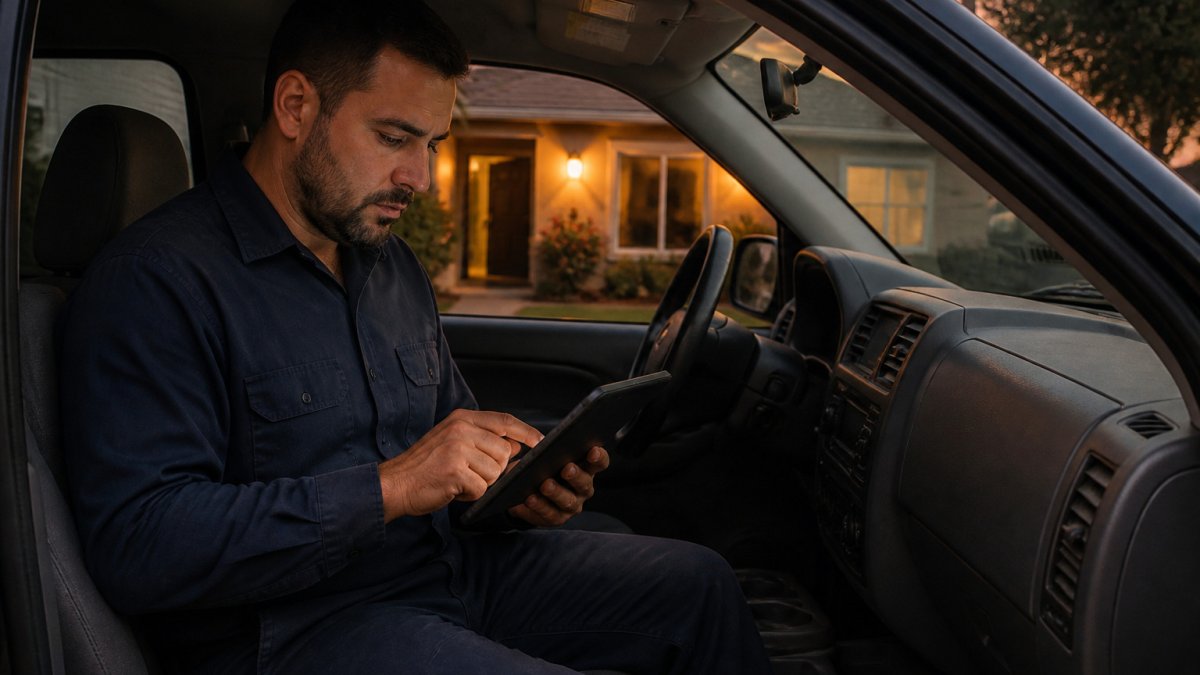
!A plumbing business owner reviewing a call schedule on a tablet in a truck parked outside a suburban home at dusk
Writing an After-Hours Answering Script That Captures the Right Details
A script can ask for details such as the caller’s name, callback number, address, problem, and urgency. Browse HVAC phone scripts for ready-made examples you can adapt to your own wording.
Avoid long lists of questions.
Automating Appointment Scheduling by Phone Without Double-Bookings
LeadGuard automatically schedules appointments based on availability.
Integrations, Fallback Plans, and Compliance Considerations
Treat integrations, fallback planning, and privacy and consent considerations as separate workstreams.
Integrations: where the call data goes
Map each call type to a destination:
LeadGuard integrates with Make.com for automation and delivers instant summaries via SMS or email. Before any follow-up texts go out, review how SMS consent is verified for after-hours callers.
Fallback plans: what happens when automation fails
- The system cannot understand the caller. After a set number of failed attempts, transfer to a human or take a message and flag it for immediate review. Never loop a caller through the same question.
- The transfer or alert fails. If the on-call person does not acknowledge within the escalation window, try the backup, then a manager. If no one acknowledges, the system should tell the caller what to do next rather than leave them on hold.
- The platform is unavailable. Keep a manual backup: a published after-hours number that reaches a person, a voicemail box someone monitors, and a written procedure for staff. Test the backup path quarterly.
A fallback that has never been tested is not a fallback. Put a recurring calendar reminder to test the escalation chain and the manual backup number.
Compliance: a practical checklist
Consider privacy and consent questions before launch:
- Industry rules: if you handle health, financial, or other regulated information, confirm which requirements apply before you enable recording or transcription.
Measuring whether the setup pays off
Define a small set of metrics before launch so you can compare before and after: after-hours answer rate, missed-call rate, and booking rate.
Testing Your Setup and Measuring Whether It Pays Off
Track how many after-hours calls get a booking and how many get a summary.
Booking Your LeadGuard Demo to Start Automating Your After-Hours Calls
Your after-hours calls are already coming in. The only question is whether they get answered. book a LeadGuard demo to see how automated call handling would work on your phone line.
Frequently Asked Questions
Does an AI phone answering system sound professional enough for callers?
Test the greeting before you go live, and adjust the script if anything sounds stiff.
Is automation worth it for a small plumbing company?
Count your after-hours calls for two weeks.
Who handles a booking that the system gets wrong?
Frequently Asked Questions
Can an AI phone agent answer calls after hours?
Yes. LeadGuard can answer incoming calls, qualify leads, schedule appointments based on availability, and send summaries by SMS or email.
How do I route after-hours calls to the right person?
Start by defining which hours count as after-hours and which calls should be captured for follow-up. LeadGuard can answer calls, qualify leads, schedule appointments based on availability, and send summaries by SMS or email.
What should an after-hours answering message say?
An after-hours greeting can state that your office is closed and ask the caller for information needed to qualify the lead.
How do I measure whether after-hours call automation is working?
Track missed or unanswered after-hours calls, qualified leads captured, and appointments booked from after-hours calls. Compare these over time. LeadGuard’s pricing page has current pricing information.
