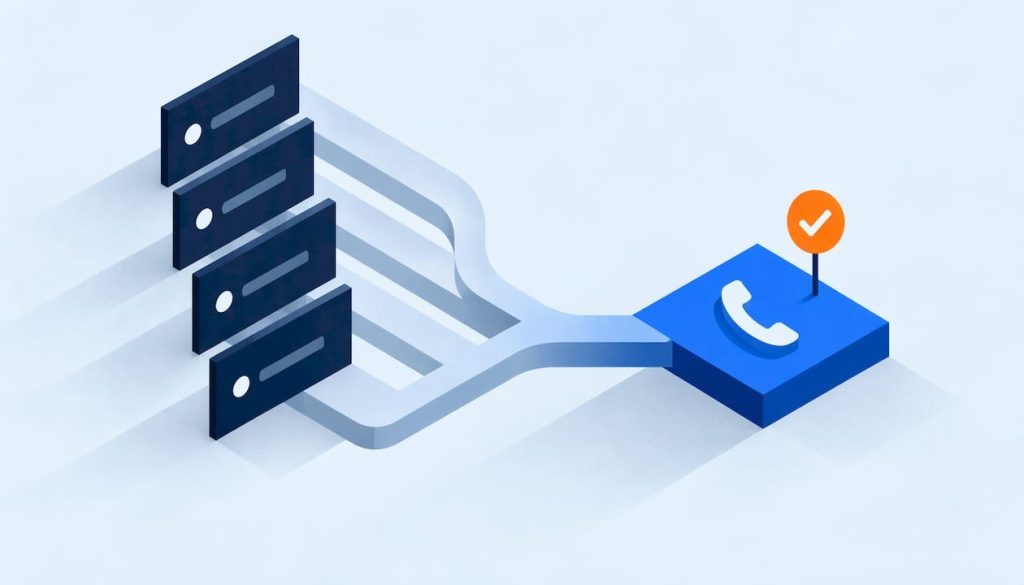
You replace an IVR menu by taking the menu out of the caller’s way. Every call gets answered right away, the caller says what they need, and the system books the job or sends the call to the right person. For a contractor or home service business, that means an AI answering layer that qualifies the lead and books into your real calendar, with a clear path to a person for urgent calls. That is what we built LeadGuard to do.
Looks like a phone menu is not working for you if callers hang up, press zero, or call the next company on the list. This guide shows what to check in your current setup, what can replace it, and how to switch without losing calls on launch day.
TL;DR
- An IVR (interactive voice response) is the “press 1 for service, press 2 for billing” menu. Service businesses lose jobs when callers give up inside it.
- Replace it with instant answering, short intake questions, live calendar booking and smart routing. Keep a path to a person.
- Measure abandoned calls, not just calls that “stayed in the system”. One federal audit shows why.
- Switch in stages: map your calls, build the new flow, test every path, then move your number.
- LeadGuard plans run from $97 to $197 per month, and every call is answered with no voicemail.
Table of Contents
- Why a phone menu costs a service business jobs
- What the government’s own IVR audit teaches
- Step 1: Audit your current call flow
- Step 2: Choose what replaces the menu
- Step 3: Plan the new call flow around the caller
- Step 4: Build and connect it
- Step 5: Test before you switch the number
- Step 6: Measure whether it worked
- Common mistakes when replacing an IVR
- Perspective: why we answer instead of sorting
- What LeadGuard costs and where to start
- FAQ
- Sources
Why a phone menu costs a service business jobs
An IVR was built for large call centers. Hundreds of calls come in, and the menu sorts them so a limited number of agents can cope. A plumber, roofer or HVAC company has a different problem. Most callers want one thing: a job done, and they want to know someone will come.
That caller is often in a hurry. A burst pipe or a dead furnace does not wait through five options. If the menu does not match what they need, they hang up and dial the next business in the search results.
The menu also tends to mirror how your office is organized, not why people call. “Press 1 for scheduling, press 2 for billing, press 3 for the office manager” makes sense to you. A homeowner with a leaking water heater does not know which option that is.
What the government’s own IVR audit teaches
Before you pick a replacement, learn how to read your numbers. The U.S. Postal Service Office of Inspector General reviewed the agency’s phone system in a 2021 report. The USPS IVR handled more than 90 million calls in fiscal year 2020, and the report found that abandoned calls were being counted as contained. That made the system look better than it was.
The same report found that in FY2020, 26% of survey respondents were very dissatisfied, and nearly four in ten said their issue was not resolved. The OIG recommended tracking abandoned calls separately to find where the call flow hurts callers.
The lesson is simple. If your phone provider says “80% of calls were handled by the menu,” ask how many of those callers hung up. A caller who gave up did not get help. They are a lost lead.
Step 1: Audit your current call flow
Spend an hour on this before you change anything. You need to know what you are replacing.
- Write down every menu option. Include the greeting, each sub-menu and the final destination of each option.
- Count calls per option. Most phone systems show a call log. For many businesses, most calls land on two or three options.
- Find the dead ends. Look for options that ring a phone nobody answers, or send callers to voicemail.
- Check after-hours behavior. What does a caller hear at 7 p.m. on a Saturday? This is often where the most expensive losses happen.
- Call yourself. Dial your own number from a cell phone and time how long it takes to reach a person or a booking. Do it twice, once during business hours and once after.
Write a short list of what callers actually want. For most home service companies it comes down to four things: book a visit, report an emergency, ask about an existing job, and ask about price.
Step 2: Choose what replaces the menu
There are four common ways to replace a keypad menu. They run from least to most change.
| Option | How it works | Fit for a service business |
|---|---|---|
| Shorter menu | Cut to three or four options with a repeat key | Small fix, but callers still sort themselves |
| Direct ring to staff | Calls ring a person or a ring group | Works only while someone is free to pick up |
| Voicemail with callback | Caller leaves a message | Many callers will not leave one |
| AI call answering with booking | The call is answered, the caller states the need, and the system qualifies and books | Matches how service callers behave |
The first three leave a gap. A shorter menu still makes the caller work. Direct ring only works while your crew is not on a roof or under a sink. Voicemail depends on the caller being willing to talk to a recording.
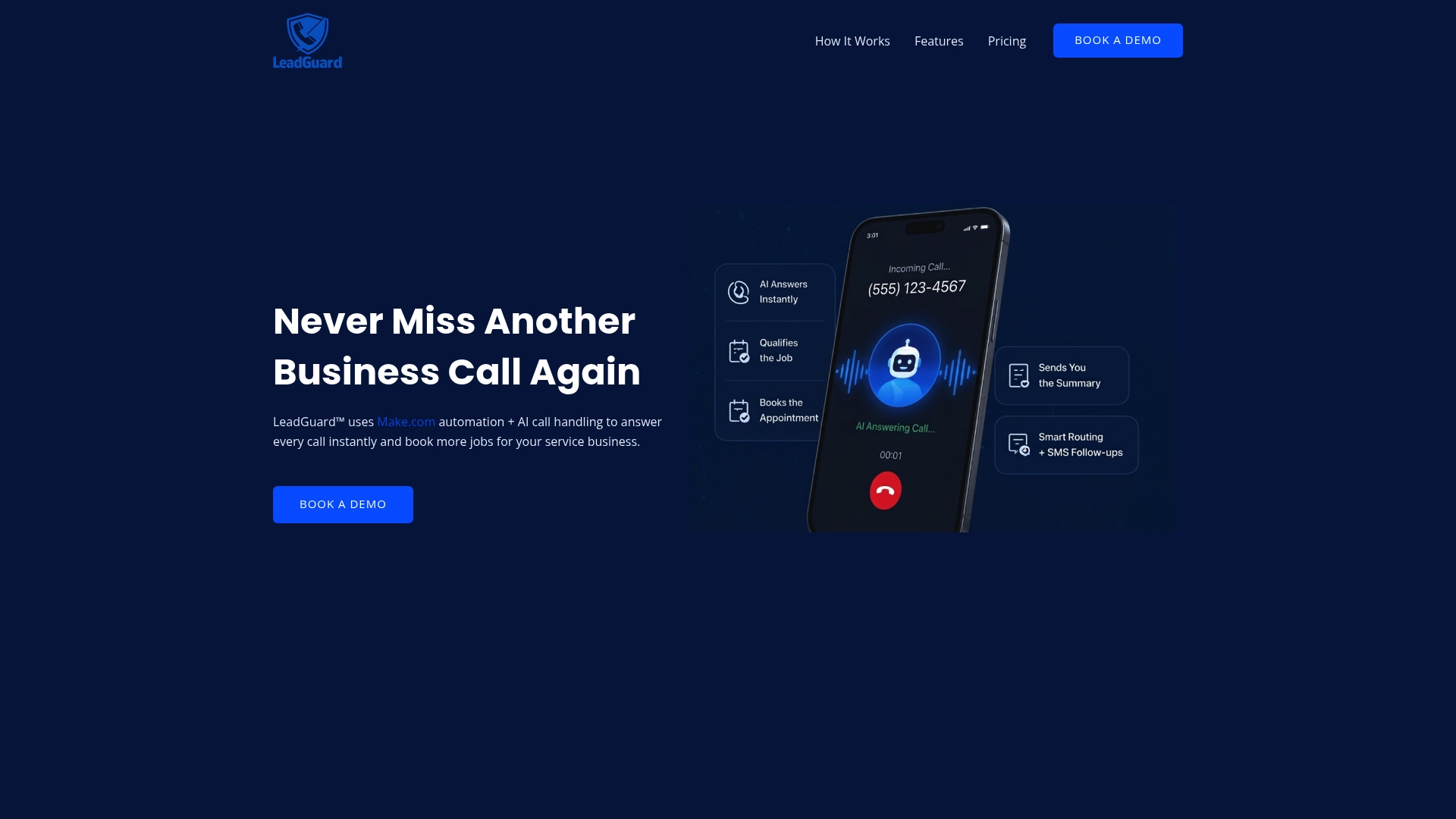
AI call answering closes that gap. With LeadGuard, every incoming call is answered immediately, with no voicemail. The AI works 24/7, qualifies the lead, and books an appointment based on your real-time availability. You also get instant notifications, so you know about the job as it is booked.
For most contractors this is the replacement to choose, because it covers busy hours, nights and weekends without adding staff.
Step 3: Plan the new call flow around the caller
A good replacement starts on paper. Plan it around what callers need, not around your org chart.
Start with the caller’s first sentence
The caller says why they are calling. The system listens and sorts the call into a type: new job, emergency, existing customer, vendor or other. You no longer ask the caller to translate their problem into a number.
Add a few short intake questions
For a new job, keep the questions to what you need to dispatch: the service needed, the address or ZIP code, and a good number for a text. Every extra question gives the caller another reason to hang up.
LeadGuard’s AI qualifies the lead on the call. That means you can decide what a good lead looks like, such as service type or area, and the system collects it before booking.
Handle urgent calls differently
Decide in advance what counts as urgent. No heat in winter, a gas smell, flooding and a roof leak during a storm are common examples. Urgent calls should go to a live person fast. Gas smells and similar safety situations should always be sent to emergency services first. Your script should tell callers to hang up and call 911 in those cases.

Smart routing lets you send urgent calls to the on-call technician, and everything else to booking. If you run several technicians or crews, round robin call routing spreads calls across the team in turn, so one person does not carry every call.
Set business hours rules
Write down three modes: open, busy and closed. During open hours, routine calls can go straight to booking while the owner or office takes calls that need a person. When closed, the system still answers and books. Only true emergencies need to wake someone up.
Always keep a path to a person
No caller should be stuck. Give them a clear way to reach a human, for example by saying “representative” at any point. Design the fallback too: if the system cannot finish the task, it should route to your office line, and if that rings out, take a message and send an SMS follow-up.
Step 4: Build and connect it
The setup itself is short when you have done the planning. A typical sequence for a service business looks like this.
- Pick the plan. Decide on the number of locations and how many users need notifications.
- Connect your calendar. Real-time availability is what lets the AI book jobs that you can actually do. Without it you get double bookings.
- Enter your services and service area. The AI uses these to qualify callers.
- Set routing rules. Define emergency routing, on-call numbers and the person to ring if the AI needs to hand off.
- Set notifications. Choose who gets an SMS or email when a job is booked or a call needs follow-up.
- Connect your other tools. LeadGuard uses Make.com to automate appointment scheduling, so bookings can flow into the systems you already use.
If you also run on-call rotations, write them down. The most common mistake we can think of is a routing rule that points to a phone number nobody monitors.
Step 5: Test before you switch the number
Test every path. Do not test only the happy one.
- New job: Call in, ask for a normal service visit, and check that it shows up on the calendar at a time you are actually free.
- Emergency: Say the words you wrote in your urgent list. Confirm the right person’s phone rings.
- Existing customer: Ask about a job in progress and confirm the call goes where you expect.
- After hours: Call at night and on a weekend.
- Silence and confusion: Stay quiet, mumble, or change your mind halfway. Check that the call falls back to a person or a message rather than ending.
- Notifications: Confirm the right people received the SMS or email, with the right details.
- Double booking: Book two calls close together and check that the same slot is not offered twice.
Have two or three staff members each make a few test calls. They will say things in ways you did not predict.
When tests pass, move your number or set call forwarding to the new system. Pick a quiet day, and keep your old setup available for a few days in case you need to switch back.
Step 6: Measure whether it worked
Do not rely on a single “containment” number. Use the measures that match the goal: more answered calls, more booked jobs.
| Measure | What it tells you | How to get it |
|---|---|---|
| Answer rate | Share of calls picked up | Call log |
| Abandoned calls | Callers who hung up before help | Call log, tracked on its own |
| Booked jobs per 100 calls | Whether calls turn into work | Calendar and call log |
| After-hours bookings | Jobs you used to lose | Calendar by time of day |
| Time to reach a person for urgent calls | Whether emergencies are covered | Test calls and call log |
| Callback time | How fast missed items get follow-up | SMS and notification records |
The USPS audit is the reason to track abandoned calls on their own. Counting them as success hides the problem.
A useful comparison is before and after. Take four weeks of data from your old setup and compare it with the first four weeks of the new one. Keep the same call sources, so you are comparing the same kind of traffic.
Call abandonment can fall sharply when call handling improves. A health system case study from the consulting firm Chartis reported that after it centralized call management starting in December 2021, 90% of calls were answered within 30 seconds, up from 69%, and consumer phone call abandonment fell by 90%. A health system is far bigger than a contractor, but the principle is the same: answer fast and fewer callers leave.
Common mistakes when replacing an IVR
- Copying the old menu into the new system. Start from caller needs instead.
- Hiding the route to a person. Callers who cannot reach someone hang up and often call again.
- Forgetting the after-hours path. Closed hours are when a menu or voicemail costs the most.
- Skipping the fallback. Every path needs a next step if it fails.
- Never reviewing it. Read call summaries each week for the first month, then monthly. Adjust the questions and routing as you learn what callers say.
Perspective: why we answer instead of sorting
We built LeadGuard because we think a service business should not make a customer work to give it money.
A phone menu asks the caller to guess which button matches their problem. Most of them would rather just say what is wrong. So we answer every call right away, with no voicemail, and let the caller tell us.
From there the job is simple. Qualify the lead, check real-time availability, book the appointment and send a notification. Smart routing and SMS follow-ups handle the rest.
We think this is better than a menu because it works the way callers already behave. It also works at 2 a.m., on a holiday, or when your crew is all on jobs.
Jim
What LeadGuard costs and where to start
LeadGuard is a subscription, billed monthly per business or location. The published plans are Starter at $97 per month, Professional at $147 per month and Enterprise at $197 per month. Each one is built to answer calls instantly, qualify leads and book appointments from your live calendar.
If you are a single-location contractor, the Starter plan is the simplest place to begin. Teams that want more routing and growth features can look at the Professional Growth Plan. You can compare all three on the LeadGuard site.
If you are weighing this against a traditional answering service that uses human operators, our guide to call answering alternatives for small business lays out how the approaches differ.
FAQ
What does it mean to replace an IVR menu?
It means removing the “press a number” menu and putting something simpler in its place. For a service business, that is usually an AI that answers each call, asks a few questions, books the job and routes urgent calls to a person. The caller speaks in plain words instead of pressing keys.
How many options should an IVR menu have if I keep one?
Keep it short, and always include a way to reach a person. Most guides suggest four to six options at most, and fewer is better for a small business. If you can cut the menu to one question, such as “how can we help?”, the caller does less work.
Will callers be able to reach a real person?
They should always be able to. When you set up the new flow, build in a clear route for urgent calls and for callers who ask for someone. Test it by calling in and asking for a person at several points in the call.
How much does it cost to replace an IVR with LeadGuard?
LeadGuard plans are $97 per month for Starter, $147 per month for Professional and $197 per month for Enterprise, billed monthly per business or location. See the LeadGuard site for what each plan includes.
How do I know the replacement is working?
Compare four weeks before and after on answer rate, abandoned calls, booked jobs and after-hours bookings. Track abandoned calls on their own so they are not hidden inside a “handled” figure.